2999 Yuan AI Palmsize Host vs. Under-1000 Yuan Kaihe A1: What's the Real Difference?
Lenovo released an AI host mini: 0.48L palmsize, priced at 2999 yuan, supports OpenClaw. A comparison guide immediately surfaced: how to choose between this and Kaihe A1? This article honestly helps you do the math — not "we're better," but "which one fits you."
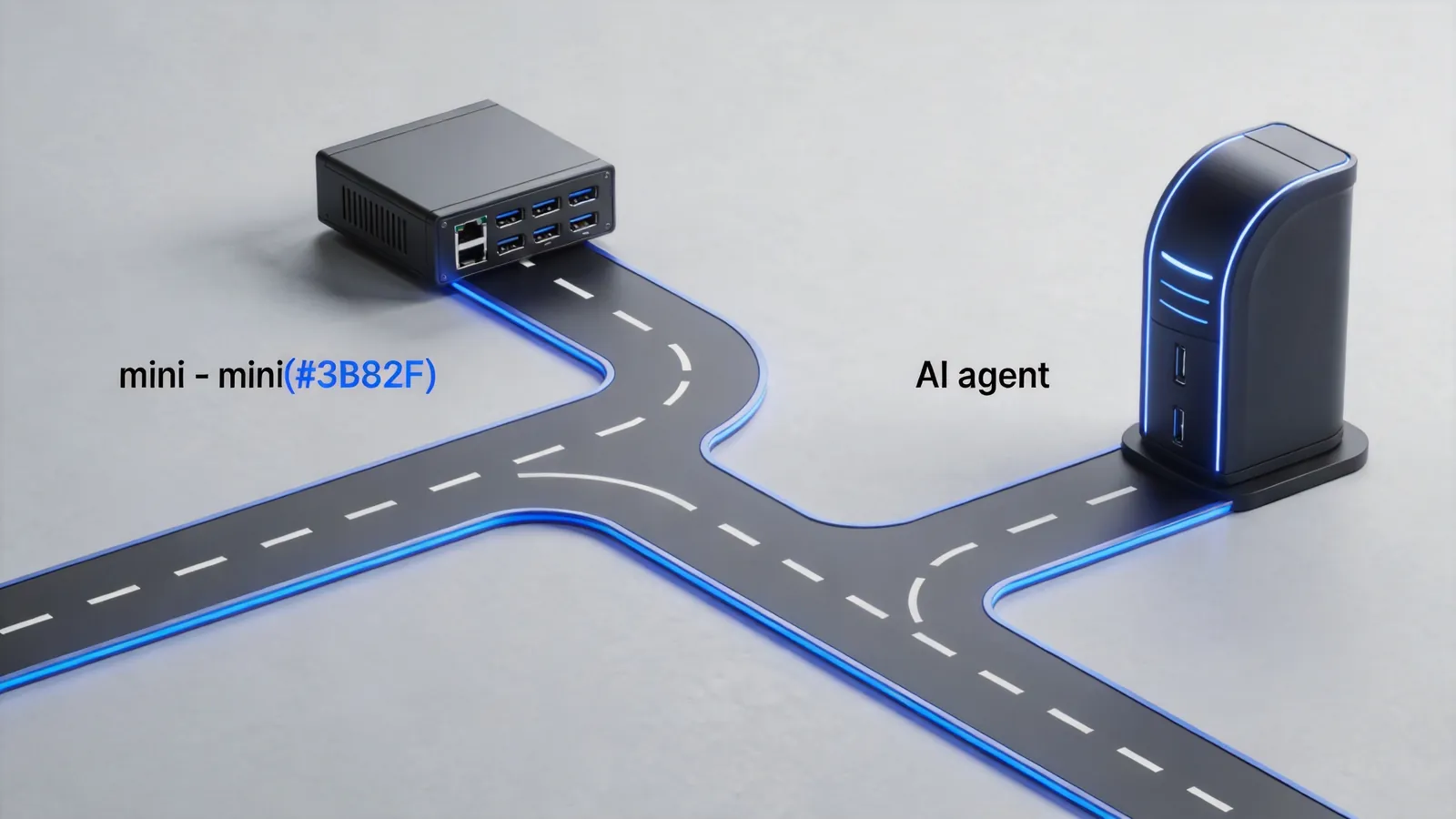
The Conclusion First: It's Not About Which Is Better, It's About What You Need It For
| Need | Choose Lenovo AI Host Mini | Choose Kaihe A1 |
|---|---|---|
| Occasional AI play, mainly use as mini PC | ✅ | ❌ Too specialized |
| 7×24 hour agent running | ⚠️ Can run, but not designed for it | ✅ Built exactly for this |
| Budget ~3000 yuan | ✅ | ✅ Saves 2000+ yuan |
| Budget sensitive, want to try AI | ❌ | ✅ Under 1000 yuan |
| Need Windows ecosystem + AI | ✅ | ❌ Dedicated system |
| Want "plug in and have OpenClaw" | ⚠️ Needs manual setup | ✅ Factory pre-installed |
Lenovo AI Host Mini: A Mini PC That Can Run AI
Correct positioning: It's a mini PC that happens to run OpenClaw.
Quick specs: - Volume: 0.48L (palmsize) - Price: 2999 yuan - OS: Windows - AI capability: Supports OpenClaw (needs manual installation and configuration) - Positioning: Mini desktop PC + AI capability add-on
Who it's for: - Already has PC usage habits - Wants to try AI but doesn't want to "buy a dedicated AI device" - Occasional AI assistance, not 7×24 task running
Kaihe A1: An AI Computer Designed Specifically for OpenClaw
Correct positioning: It's an AI computer whose sole purpose is running OpenClaw optimally.
Quick specs: - Volume: Dedicated AI hardware design - Price: Under 1000 yuan - OS: Dedicated OpenClaw management system (Web Interface) - AI capability: OpenClaw pre-installed, scan QR code to bind, input API Key to use - Positioning: 7×24 agent running dedicated device
Who it's for: - Needs AI working continuously (not "occasional use") - Doesn't want to tinker with configuration, wants "plug in and it's ready" - Budget sensitive, wants to try AI at low cost
One Sentence to Clarify the Core Difference
Lenovo AI host mini = A PC that can run AI
Kaihe A1 = A computer dedicated to running AI
It's like: - Lenovo is a "Swiss Army knife" — can do everything, AI is one of the blades - Kaihe is an "electric dril" — can't do anything else, but makes holes better than anyone
How Does the Price Math Work Out?
| Item | Lenovo AI Host Mini | Kaihe A1 |
|---|---|---|
| Device price | 2999 yuan | <1000 yuan |
| 7×24 operation power | ~50W (full load PC) | ~5W (dedicated low power) |
| Annual electricity (24h full) | ~438 yuan | ~44 yuan |
| 3-year total cost | 2999+1314=4313 yuan | <1000+131=1131 yuan |
If the purpose is "long-term agent running": Kaihe A1's 3-year total cost is only one-fourth of the Lenovo solution.
A Decision Tree to Help You Choose
What are you going to use AI for?
├── Occasional play, mainly use as computer
│   └── Choose Lenovo AI host mini
└── 7×24 agent running, needs stable continuous operation
    ├── Sufficient budget, also want to use as PC
    │   └── Lenovo + Kaihe, buy one each (division of labor)
    └── Budget sensitive, dedicated tool for dedicated job
            └── Choose Kaihe A1
Honestly Speaking: Lenovo's Entry Is a Good Thing
Lenovo putting OpenClaw into PCs means: 1. The market gets educated — more people know "AI computers should be able to run OpenClaw" 2. The category gets defined — "AI host" transforms from a vague concept into a concrete product form 3. Kaihe's positioning gets sharper — "We make the iPhone of OpenClaw devices, not 'a PC that can run AI'"
Bottom line: Lenovo AI host mini is "a PC that can run AI." Kaihe A1 is "a computer dedicated to running AI." If you want 7×24 hours of AI working for you — choose the specialized one, not the generalized one.
Product Center continuously updates Kaihe full-series buying guides. Follow us to pick your first AI computer.